New Admin Hub
Welcome to Small Improvements, Here's Your Map
Inheriting a system that’s already live is a different job than setting one up from scratch. This hub walks through the primary things to consider when starting out with Small Improvements.
All in the order you’ll need them.
Before You Touch a Single Setting
Every HR admin who has sat in your seat says some version of the same thing: the tool is the easy part. The harder part is understanding why things were set up the way they were, and bringing people along when you do change them.
A Phase-by-Phase Way In
Each phase has a simple checklist, plus a handy worksheet to fill out that includes our best practices. Move at whatever pace fits your company, this is a sequence, not a deadline.
01: Get oriented
Map the terrain. Even though Small Improvements is designed to be simple, there is always a learning curve when using a new tool.
- Take inventory of what features your company is already using
- Review previous and current cycles by looking into each feature dashboard
- Assess timing, templates, participants, and how processes have typically been run
- Identify anything that may be coming up in the near future
Pro Tip
Try setting up a sandbox account with your personal email. It’s free to use for 30 days and allows you to try things without the entire org being along for the ride.

02: Learn your data
Make sure you know how employee information gets into and stays up to date in Small Improvements.
- Determine whether employee data is maintained through an HRIS integration or manually
- Understand who owns employee updates internally
- Get familiar with how organizational hierarchy works at your organization
Pro Tip
Our Slack integration brings the power of Small Improvements into your employees’ daily workflow.
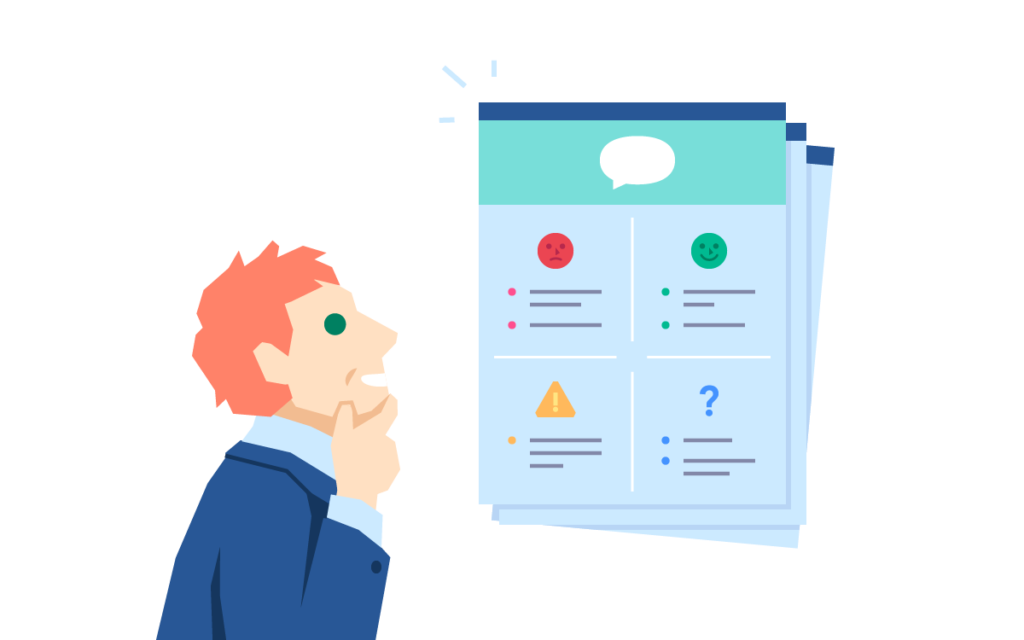
03: Start shaping it
Shift from getting oriented to deciding where you should focus your time.
- What process is coming up next?
- What is the team trying to accomplish with it?
- Who needs to participate?
- Is there an existing process or template to build from?
- Is there anything you want to improve from the last cycle?
Pro Tip
Our Planning Calendar is a simple way to lay out what the rest of your year could look like.
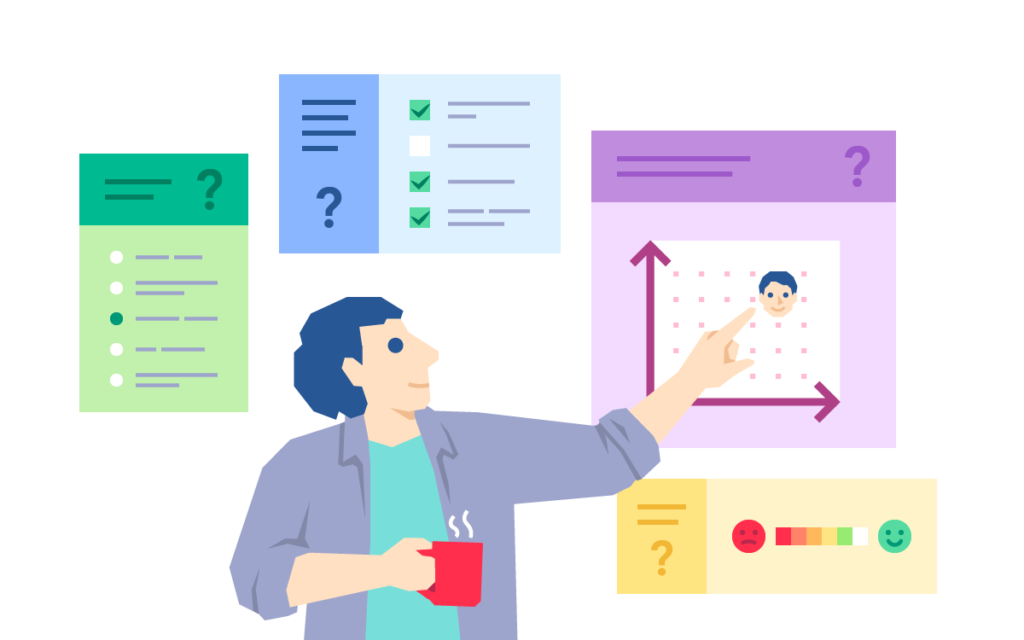
04: Define your team
You don’t have to do this alone. Understand who else is involved in making Small Improvements a success.
- See who else has admin access
- Understand your permissions
- Identify experienced admins or internal partners
- Understand who owns decisions around performance and feedback processes
Pro Tip
Our Success Stories are full of innovative ways companies are using Small Improvements to its full potential

05: Build your cadence
This is where the job gets easier. Now you can find more ways to get value.
- Look at features your company has access to but isn’t currently using
- Learn about newer features that may not have been available when your processes were originally set up
- Explore AI features that can help admins, managers, and employees
- Consider whether there are opportunities to simplify or improve an existing process
Extra Bonus
Our AI philosophy is that AI shouldn’t replace humans, it should work to support them. Learn how our features can make your life easier.

Resource library
Keep These on Hand
Technical

What’s included
Learn the technical ins and outs of how each feature operates.
Change Management

What’s included
Roll out a process that is successful from the start. Learn communication tricks and tips.
Building Confidence

What’s included
Keep improving your processes and abilities. There is always something to learn in the world of performance.
You're not doing this alone
When You Need Backup
Small Improvements is designed to be intuitive, but nobody expects you to figure out someone else's setup by yourself.

Learn the ins and outs of the platform
Our Help Center is full of documentation designed to walk you through the platform. Read through guides or find recipes for common functions.

Get answers from the people who built it
If you run into bumps along the way, our Support Team has got your back. Reach out and we will point you in the right direction.