Previous screenshot Next screenshot


What is it?

A hosted performance review system that simplifies 360 degree feedback, performance reviews and goal setting. Simple and pretty. And affordable.

Who is it for?

Small to medium sized companies wanting to increase productivity, recognize and retain great staff, and communicate better. See examples.

How to use it?

See how all the features fit together, and how to combine them throughout the year. Or how to mix and match the ones you need. Take the Feature Tour!


Small Improvements. Performance review software loved by innovators around the globe.


Performance review software, and much more


Click any image to zoom in
The 2D performance review assessment chart

Performance reviews done right

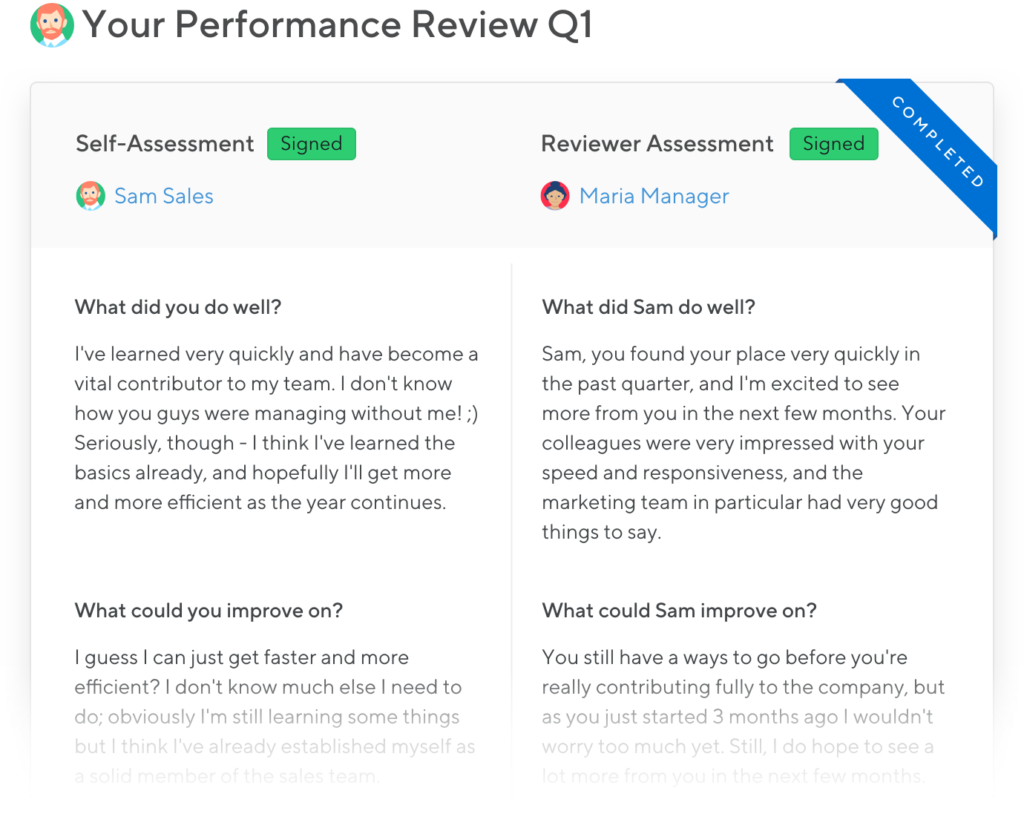
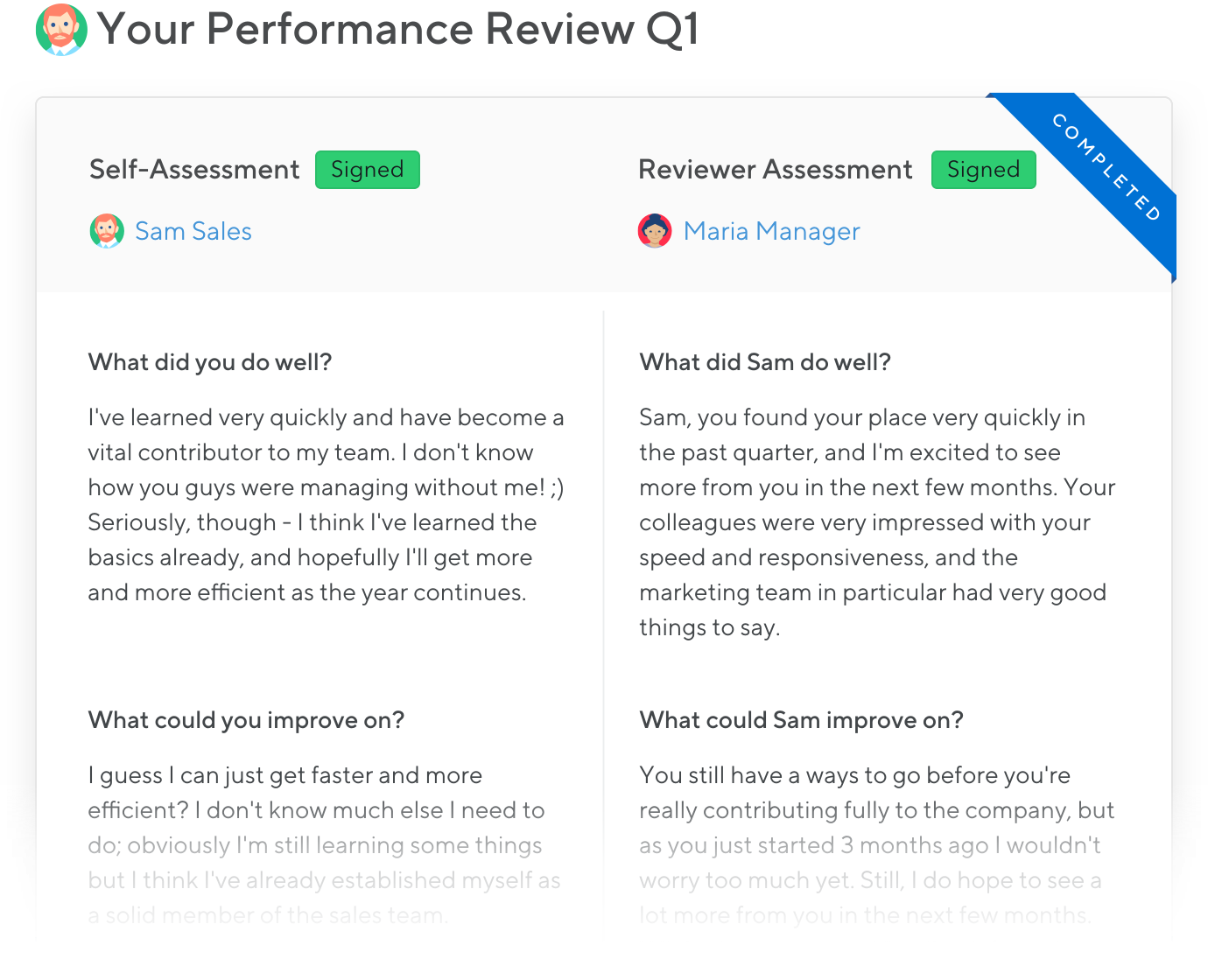
Optimised for simplicity. Enter your self-appraisal, position the "Performance dot", click "Share with manager" ... and you're done! All on one screen. Learn more

Writing performance reviews is never fun. Make sure to use appraisal software that's supportive and easy to use! Small Improvements puts everything on a single screen: The manager fills in the right side, the direct report the left side, and there's virtually no process. Just write, share, sign, and you're back to "real" work in no time. Find out how easy it is to do your own performance review.

Request 360 degree review feedback

360 Degree Feedback

Collect feedback from your peers. Anonymously of course. Get insight from the people who know you best, and give feedback to them too. Learn more

360 degree feedback is an important cornerstone in making performance feedback more democratic. In today's networked workplace, it's increasingly important that feedback from peers is taken into account in performance reviews as well. With Small Improvements, you can even ask for feedback about random topics outside the regular 360 focus, and anonymously so if you like. Read more about how to request 360 degree feedback

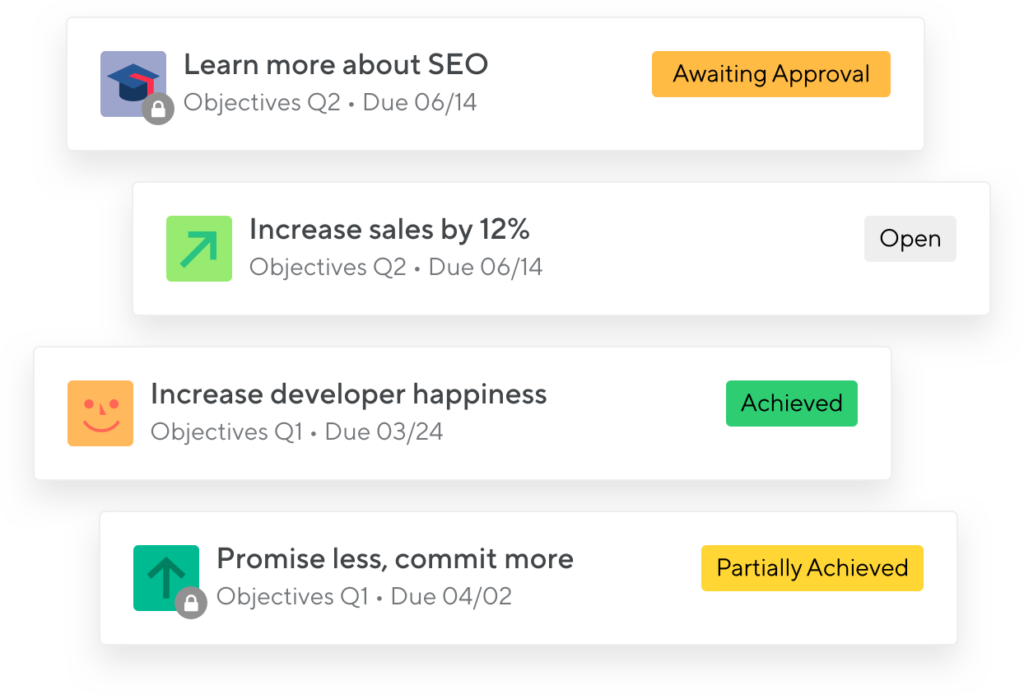
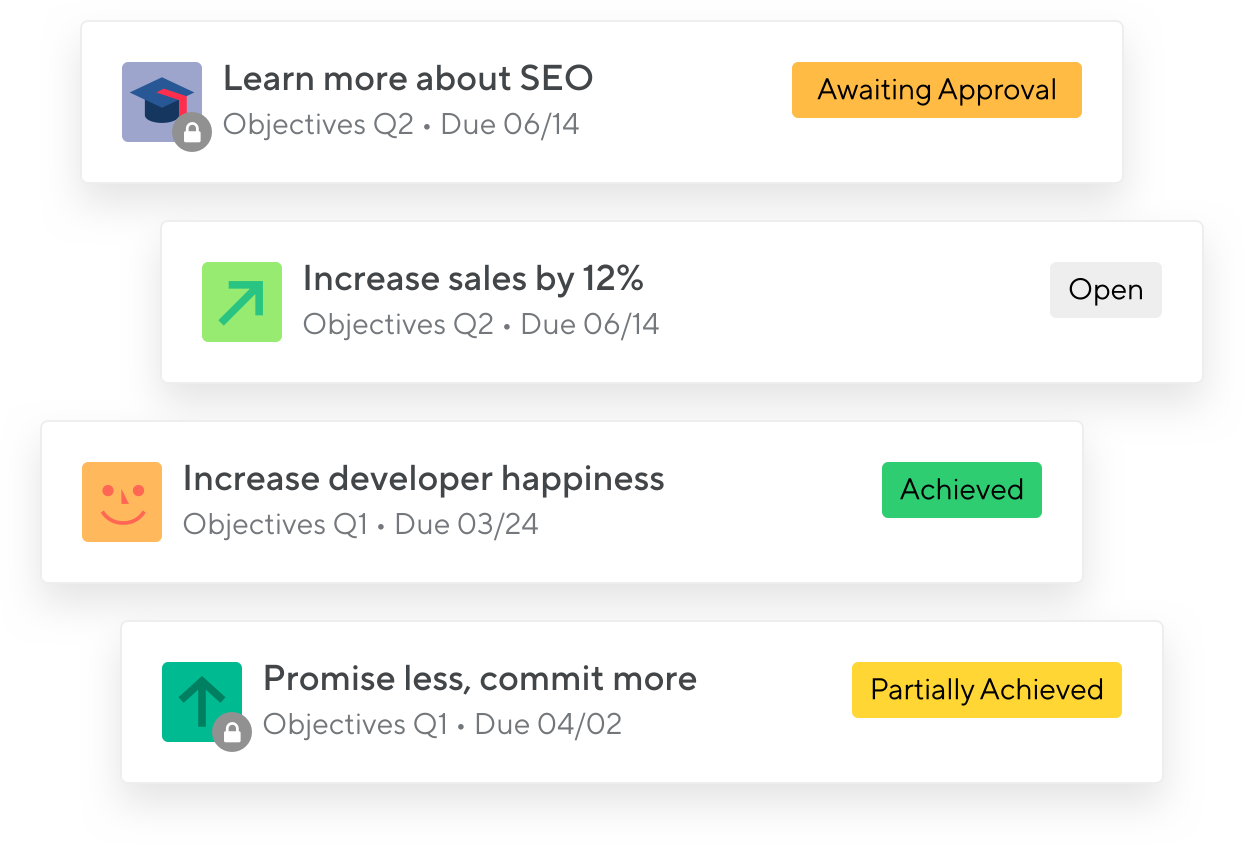
Objectives overview: Let our application show you what your or your team's objectives for the next quarter are

Objectives: Once you've completed your performance review, you'll want to set new objectives for yourself, or for your team members. Some of these objectives may be public, others just between you and your boss, other entirely private. As a manager, you may want to check back and see how far your direct reports have progressed. It's all dead easy. Continue reading about setting your own objectives, or see how to manage objectives company-wide.

Share and Manage Objectives

Define your quarterly objectives and share them. Or write your longer term career plans — and keep them secret. We support all typical use-cases. Learn more
All performance reviews at one glance, with plenty of options

Report and Track and Nudge

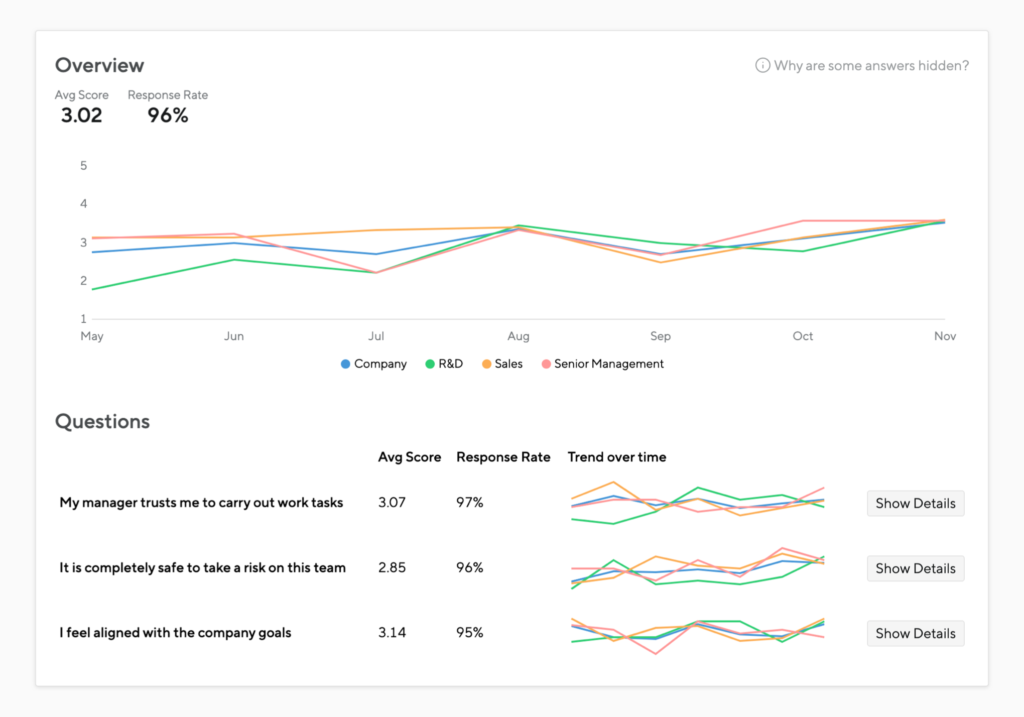
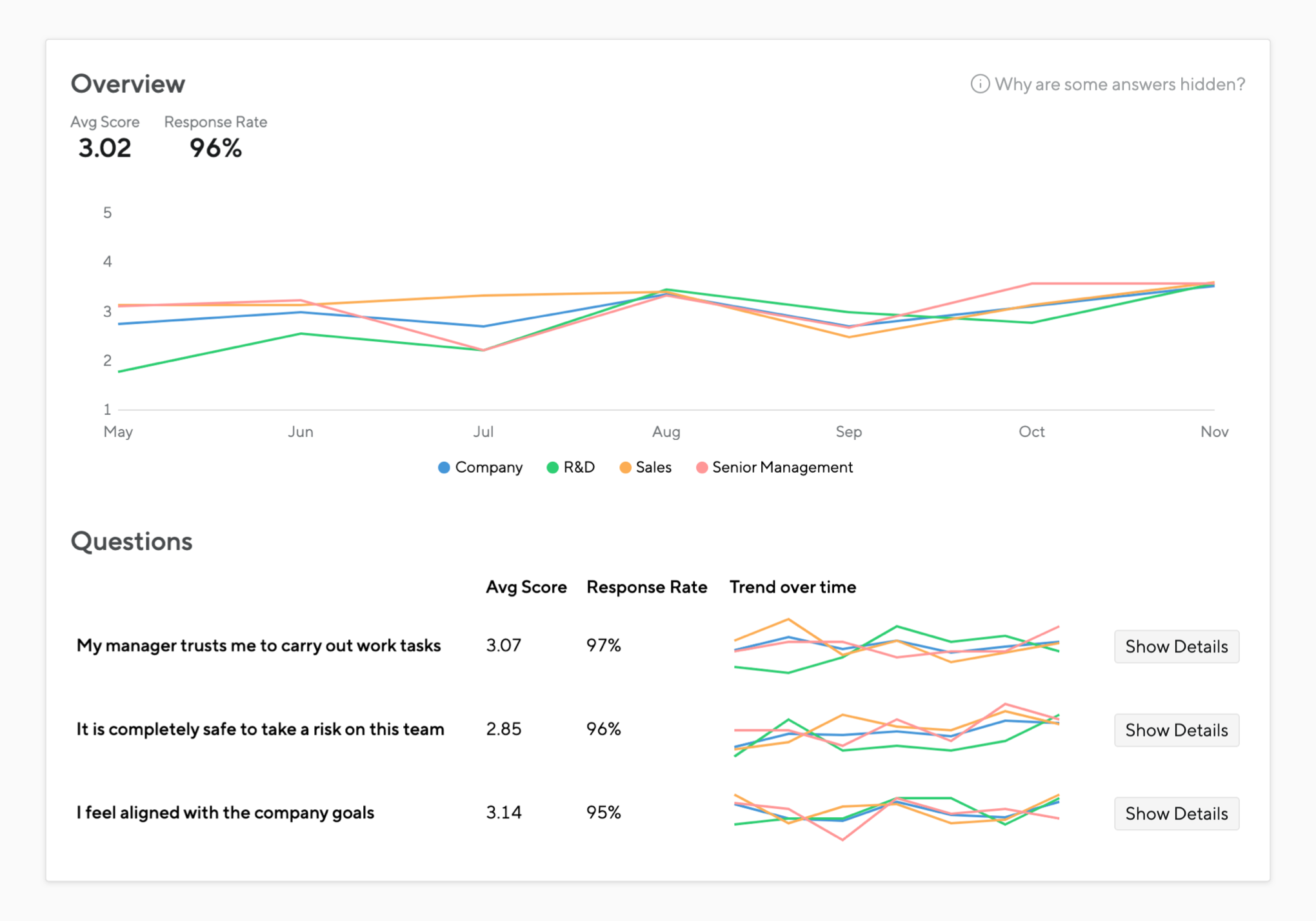
Reports at your fingertips. See the status of all reviews across the entire company. Filter, nudge people into action, and solve problems early. Learn more

We make reviews really simple for everyone. Still, you need some way to find out about the status of your entire organisation. Even if just 10% of staff are running late, that's 20 people to chase in an organisation of 200. You'd better know who they are! And nudge them in time. Read on about tracking reviews across the organisation.

Visualise performance reviews to compare and calibrate

Calibrate and Compare

Depict your team or even the entire company on a 2D performance chart. Filter, compare, and help middle managers calibrate their ratings. Learn more
All performance reviews can get displayed in a chart, using this affordable SAAS solution

Browse performance assessment grouped by teams. Managers get to see their own team, HR representatives see the entire organisation, allowing them to spot issues and problems early. Read more about performance reporting.

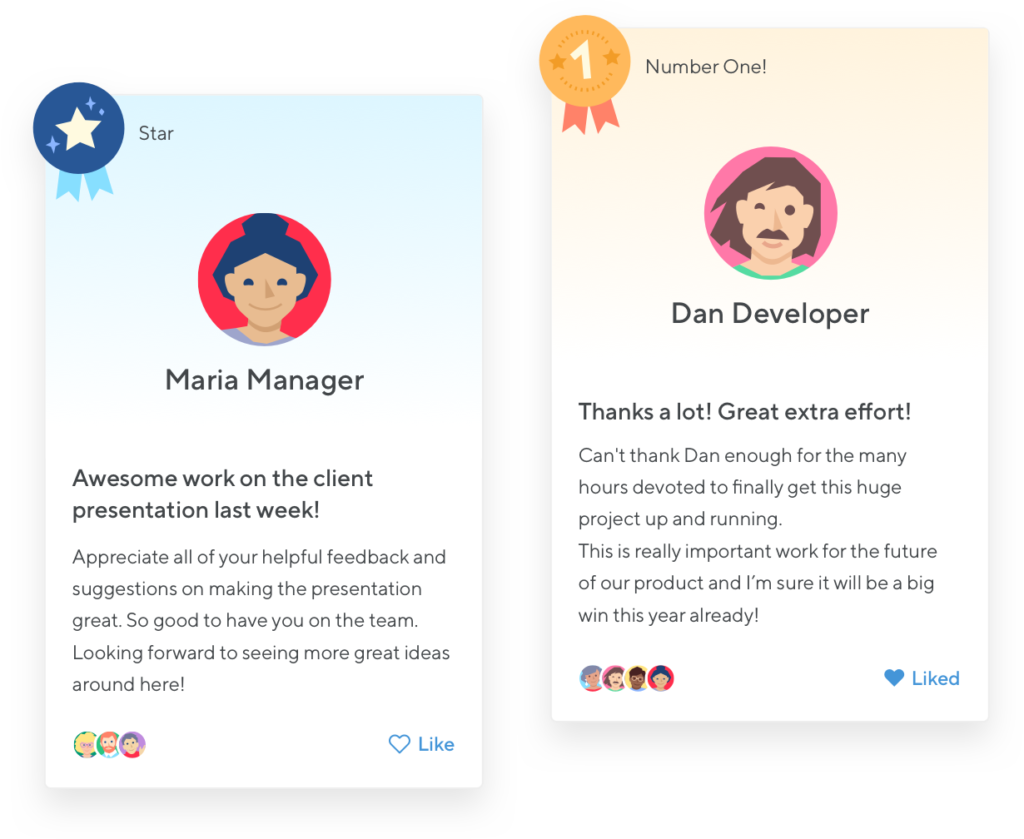
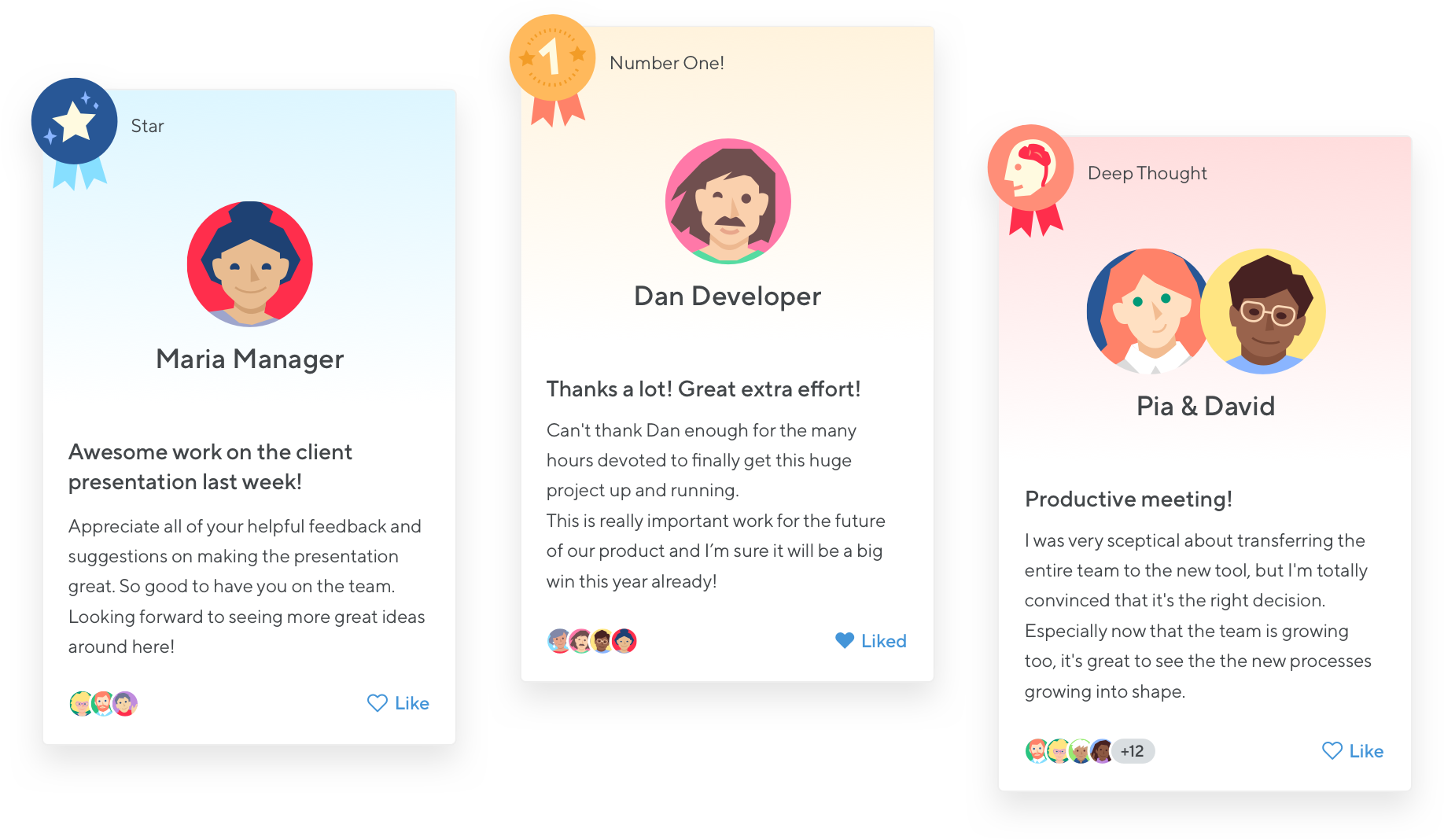
Badges help you with social recognition

Badges and quick feedback

Share feedback frequently, recognize great achievements, help people improve. Our performance review system keeps track, so all your feedback is available later on too. Learn more
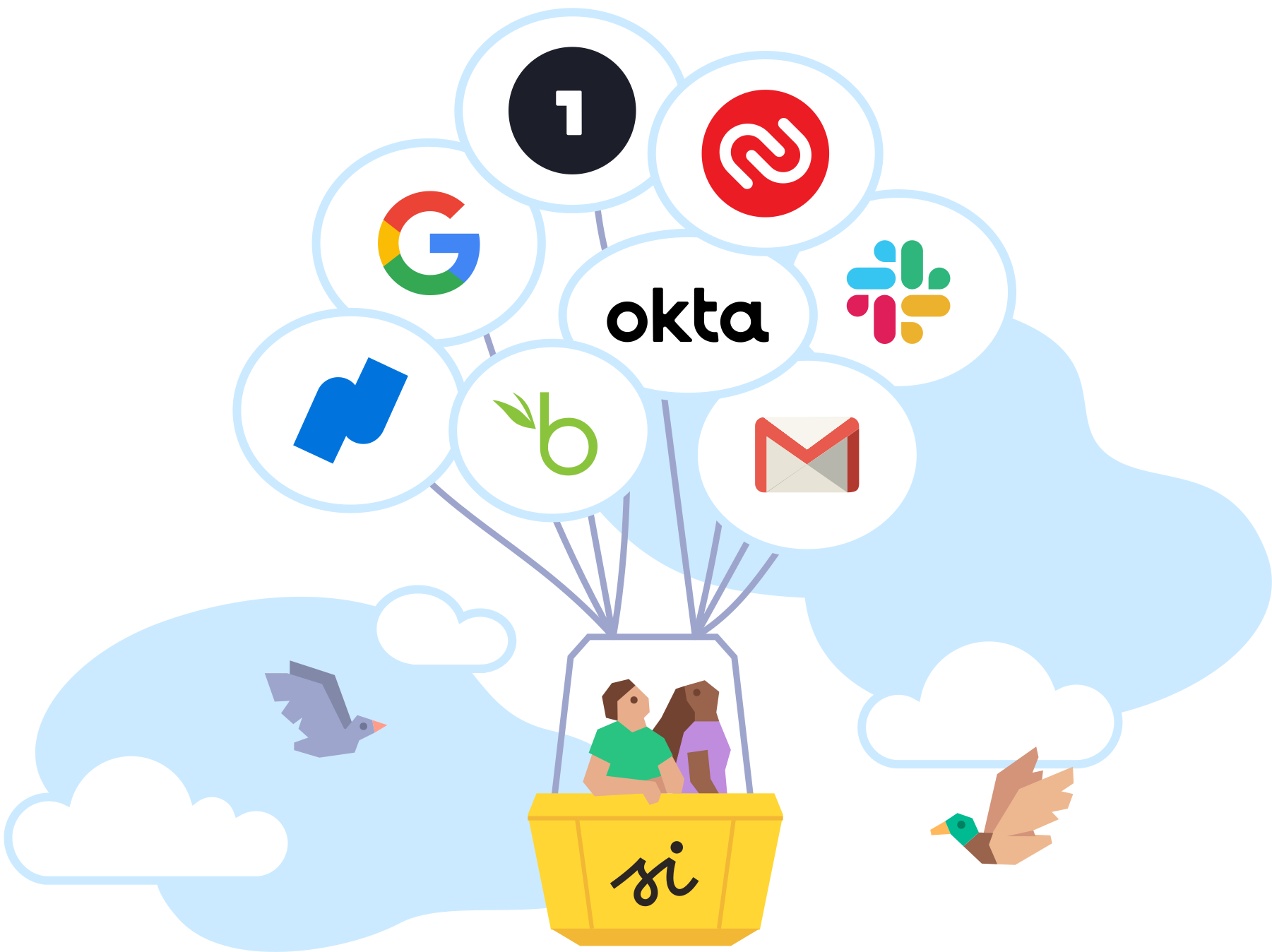
Integrations with Atlassian Confluence, JIRA and Crowd

Atlassian Integration

Our performance review system integrates with Confluence and JIRA to help you write balanced and comprehensive appraisals fast. Learn more about the integration.

Confluence integration: This shows how we stream Small Improvements messages and feedback into Confluence. It also works the other way around, you can display a person's Confluence activity stream inside Small Improvements, helping you write a more balanced review about that person, fast. We also integrate with JIRA and you can use Crowd for user management.

Integrate with the BambooHR HRIS database

BambooHR HRIS integration

Seamless integration with the BambooHR employee database: Leave & benefits tracking, document storage, salary history, employee reports — all covered! Learn more

BambooHR centralizes your employee data, so you can control, sort, and analyze it from anywhere. You have instant access to employee records, documents, benefit info, hiring checklists and more. Small Improvements synchronises data with BambooHR, so you only have to manage your core data in BambooHR, while doing your performance reviews and 360 degree feedback in Small Improvements. Find out more about the integration and about BambooHR.

The Small Improvements SAAS solution is extremely customisable, you can style your site with CSS to make your performance reviews and 360 degree feedback feel more integrated with your intranet software

Self service customisation

Configure your questionnaires, define deadlines, change the user interface — you can fine tune every aspect of the application without having to ask us. Learn more

Everything in Small Improvements is configurable by you, the customer. Each module comes with plenty of options, because one size does not fit all! And you can make Small Improvements look exactly like your corporate design, either using our theme wizard, or using CSS code. We're happy to assist — but you can tweak it easily without having to ask us for permission. Find out more about user interface customisation


News from the Small Improvements team

3rd May Newsletter May: Badges, customisable emails, 360 degree feedback revisited, summary of new options in reviews and objectives
25th Apr New feature: Award badges with your continuous feedback
13th Mar Meet us at RHUB in Sydney. And check out the new career page.
6th Jan Upcoming changes to the 360 degree module. Everything gets simpler!
22nd Dec Newsletter December: Google Apps integration in beta, new customer testimonials, and wishing you a Merry Christmas!
30th Nov (Press Release) Small Improvements and BambooHR launch strategic partnership More news  


Learn more | Testimonials | Pricing   Try the demo   Sign up

Screenshot: The Dashboard. The dashboard lists all activity in your organisation, and provides quick access to commonly used modules, such as performance reviews, goals and objectives, 360 degree feedback and lightweight praise and suggestions.

Learn more | Testimonials | Pricing   Try the demo   Sign up


Performance review reporting software. This image shows how all the data is displayed in a single unified performance chart

Screenshot: Performance Reporting. This screen lists the performance assessments by team. Managers get to see their team, HR representatives see the entire organisation, allowing them to spot issues and problems early. Read more about performance reporting.

Learn more | Testimonials | Pricing   Try the demo   Sign up


Screenshot: Awarding a badge with your feedback. Small Improvements lets you enrich your continuous feedback with a neat selection of awards and badges. Pick the recipient, write a few lines, pick a badge, and you're done! Learn more about badges


Screenshot: Tracking progress during performance reviews. Colours indicate progress, and you can filter by progress by clicking the pie-chart segments. Then nudge people into action using automated emails.

Learn more | Testimonials | Pricing   Try the demo   Sign up


360 degree feedback makes the performance review more democratic: A single manager alone can't judge everything their direct reports did. 360 degree feedback software to the rescue! You can use email or Word files to run your 360 process — if your company just has 10 employees. But what if you have 50, 100, or even 500 employees? We can help! Find out more.


Delayed image: 1:1 meeting minutes

Regular 1:1 meetings with your direct reports are crucial to stay on top of things, get feedback and insight, build rapport, and work towards the same goals. Good preparation is key, so tracking your 1:1 meeting minutes helps you be prepared for the next meeting. If only it weren't such a hassle to keep track... Oh wait, we have something for you! Find out more about 1:1 meeting minute tracking

Learn more | Testimonials | Pricing   Try the demo   Sign up

Learn more | Testimonials | Pricing   Try the demo   Sign up